











As part of our pre-shipping check and setup, we recommend that Deep Black function is turned off on a JVC NZ Projector (but can be turned on if a client wants), as we have observed some crushed blacks in the lowest APL scenes..
We thought we explain why we recommend this:
Analytics
The first stage was to take measurements from 0-20% (in Frame Adapt HDR 1), and record the Y (luminance) reading:
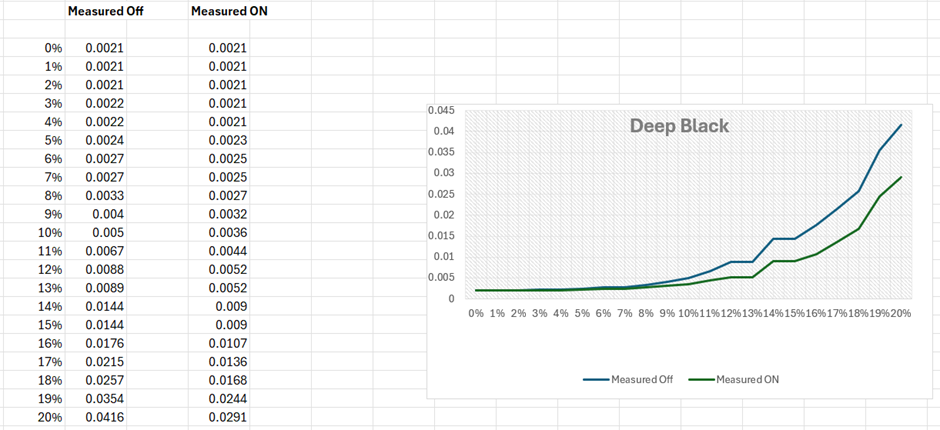
As can be seen from the graph/figures, deep black, comes out of black slower which gives the sense of deeper blacks.
Black Clipping
If we look at some test patterns, this can be seen in the black clipping patterns:
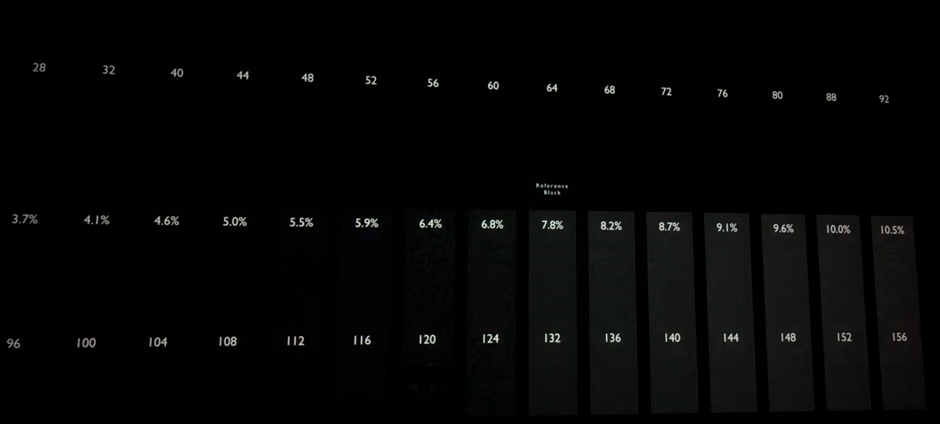
With Deep Black ON
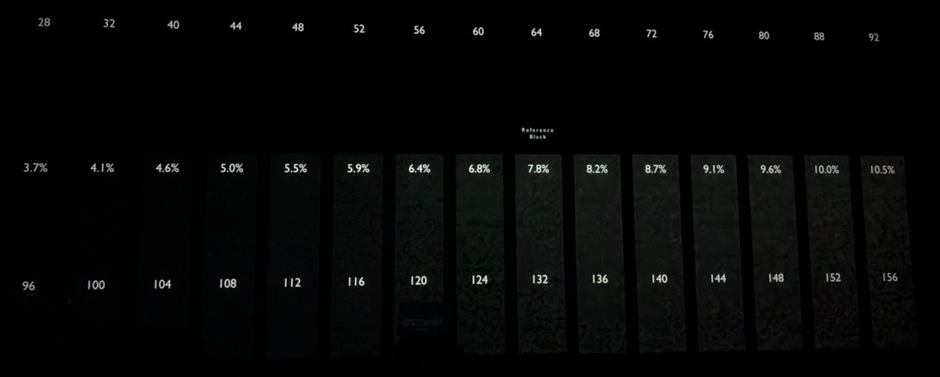
Deep Black OFF
As can be seen from the black clipping patterns, there is slightly more detail when Deep Black is OFF.
Source Material
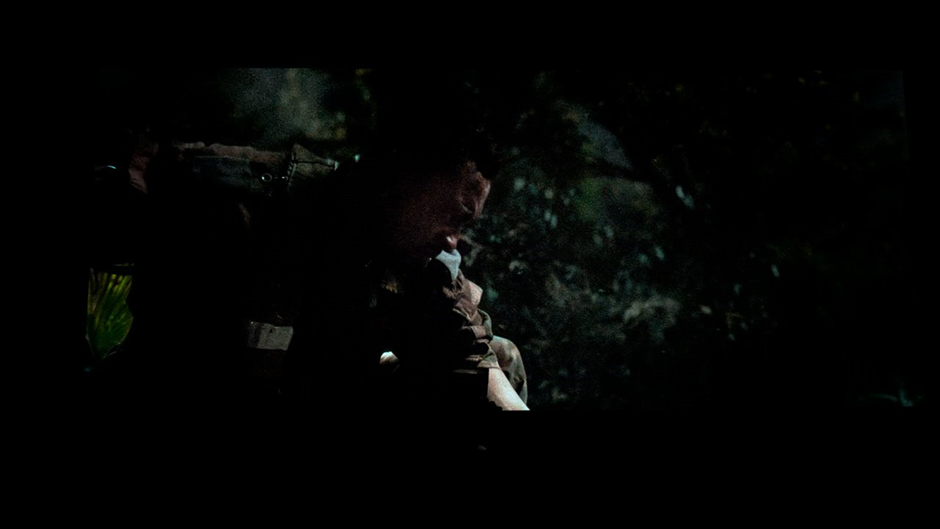
This is more evident in lower APL scenes within source content. In this scene, it is possible to see some detail is crushed
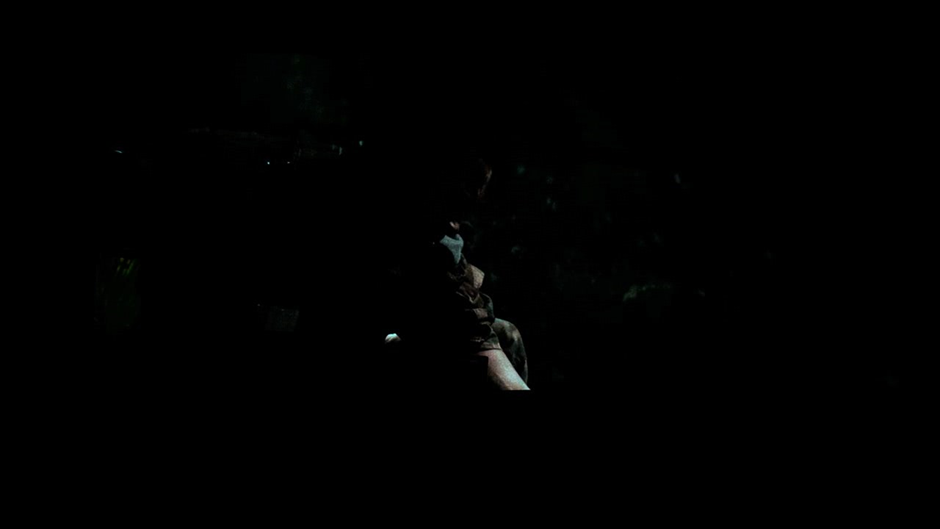
Deep black ON
Deep Black OFF
And just to throw something different in, below is with madVR envy core processing (same projector, same scene):