
The madVR Envy range continues to evolve, with several updates on the roadmap to address issues discovered/highlighted in the field.
Subtitles
Subtitles can be an issue on scope (and non-standard 16:9) screens where they’re projected into the black bars and end up off-screen.
Current solution: the madVR Envy analyses each frame and, when it detects subtitles, automatically shrinks the image so the subtitles remain visible on-screen.
In development: madVR is currently working on a more flexible solution where subtitles will be repositioned within the image. It doesn’t stop there—subtitle size and colour will also be selectable, so they don’t have to be overly bright and impact overall dimming, etc. More information can be found below.
madVR Envy Commander
The madVR Envy already supports IP control, backups, and remote access. Building on this, madVR is currently developing a program that will allow setup via a web-based interface. More information below:
Other recent updates
Calibration
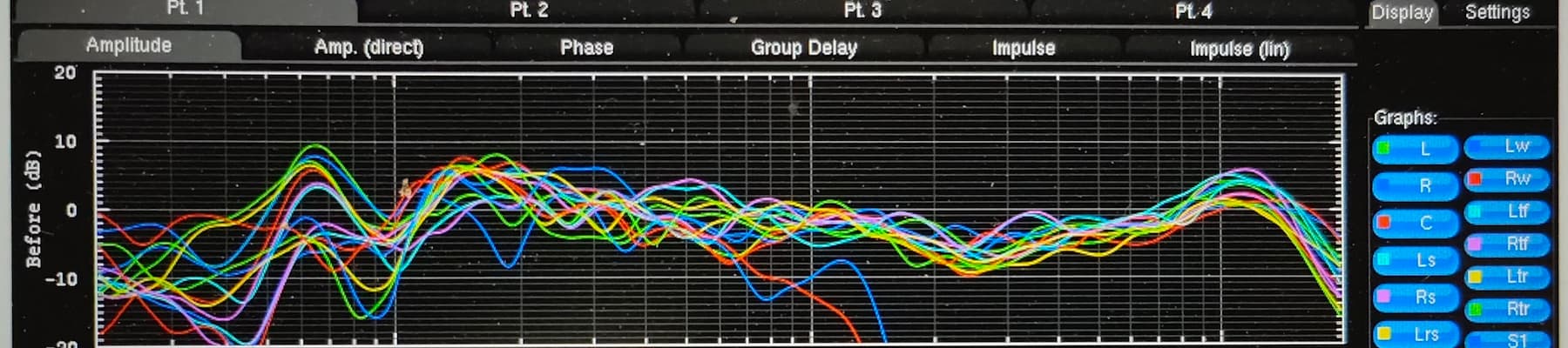
In addition to the standard 4,096-point 1D LUT, we can now create 3D LUTs (using ColourSpace calibration software) of up to 256³. This equates to over 16.7 million interpolated points of colour data for ultimate accuracy.
Device control and integration
The Envy’s ability to control other devices continues to grow—but why does that matter?
1. Direct Projector and Display Control
The Envy can communicate directly with popular high-end projectors (such as JVC and Sony) over your local network via IP control, reducing the need for a third-party control system.
- Automatic Picture Mode Switching: When the Envy detects an HDR signal, it can command your projector to switch to its dedicated HDR picture mode (for example, opening the iris for maximum brightness). When content switches back to SDR, it can switch back to your SDR mode. Using presets, it’s also possible to create Filter/Non-Filter wide colour gamut modes with correct calibrations.
- Lens Memory Automation: If you’re watching content that shifts aspect ratios (such as a Christopher Nolan IMAX film), or you switch from a 16:9 TV show to a 2.40:1 widescreen movie, the Envy can automatically trigger your projector’s motorised lens memory presets to zoom and shift the image accordingly.
2. AV Receiver (AVR) and Processor Control
The Envy can also take over basic control of your audio equipment, streamlining your day-to-day viewing experience.
- Volume and Input Control: You can use the Envy’s remote to control the volume or change the HDMI inputs on your AVR or pre-pro over the network.
- Custom On-Screen Volume Bar: If your AVR doesn’t provide an on-screen volume display—or if you prefer a cleaner look—the Envy can intercept volume data and overlay its own sleek, high-resolution volume bar.
3. Motorized Screen Masking Automation
For widescreen enthusiasts with motorised masking screens, the Envy is a game-changer.
Because it detects black bars and aspect ratio changes instantly, it can send triggers (via IP or through a control system) to motorised masking systems (such as SeymourAV and Stewart Filmscreen).
If a 2.40:1 movie starts playing, the Envy can tell the masking panels to drop and frame the image perfectly. If the movie switches to a 16:9 IMAX scene, it can command the masks to open up—ensuring the image is never cropped.
Special Offers
There are a few offers at the moment.
- Ex-demo madVR Envy Core MK1: £4,495
- Ex-demo madVR Envy Extreme MK2: pricing available on request
- Brand new madVR Envy Extreme MK2: pricing available on request
Please note that it is possible to upgrade a MK2 to a MK3 at a later date (at a cost).
Contact us for more information and pricing.