









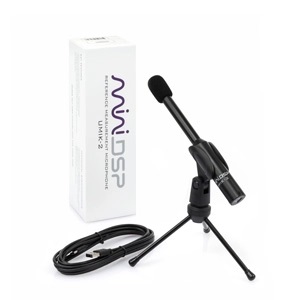
UMIK-2 USB Microphone
USB Reference Measurement Microphone, 32bit/44.1~192kHz, ASIO drivers, 1/2″ capsule, Low noise floor, Unique Calibration file, REW integration.
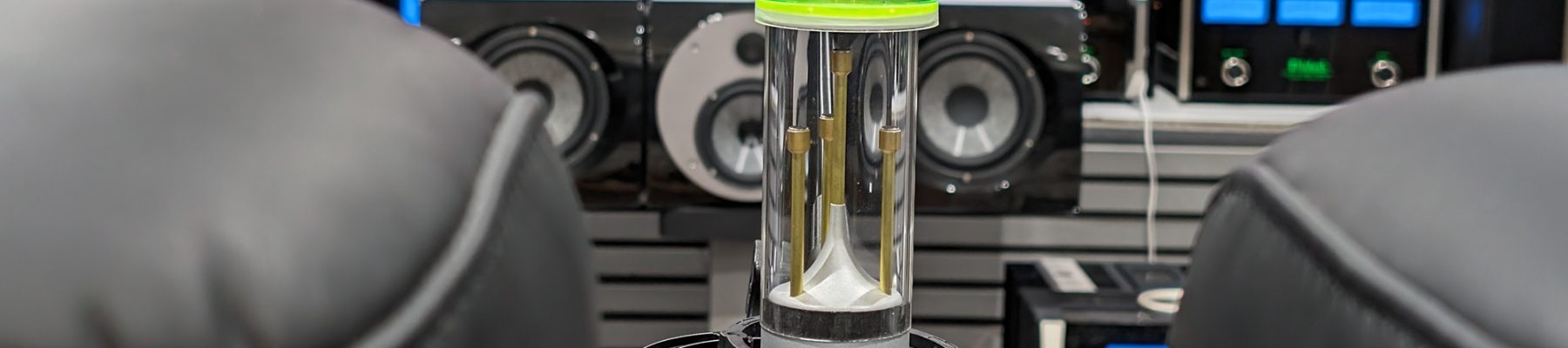
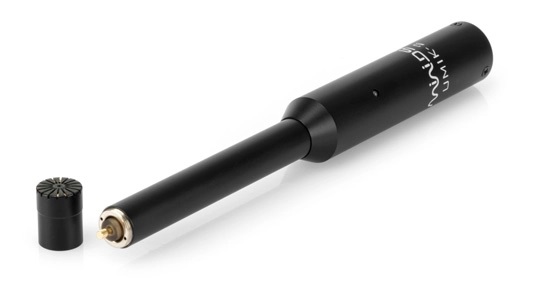
MiniDSP is pleased to introduce the UMIK-2, its second-generation omni-directional acoustic measurement microphone. The UMIK-2 has everything that made the first-generation UMIK-1 one of our best selling products, including a convenient plug-and-play USB connection and a unique calibration file for each microphone to ensure accuracy.
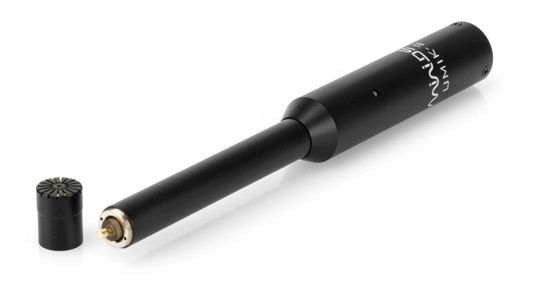
However, the UMIK-2 is also a significant upgrade in performance and functionality. A larger 1/2-inch microphone capsule provides lower noise and lower distortion, which is preserved by the 32-bit ADC (analog-to-digital convertor) built into the microphone shell. Furthermore, sample rates are selectable from 44.1 to 192 kHz for compatibility with the widest possible range of measurement and recording software.
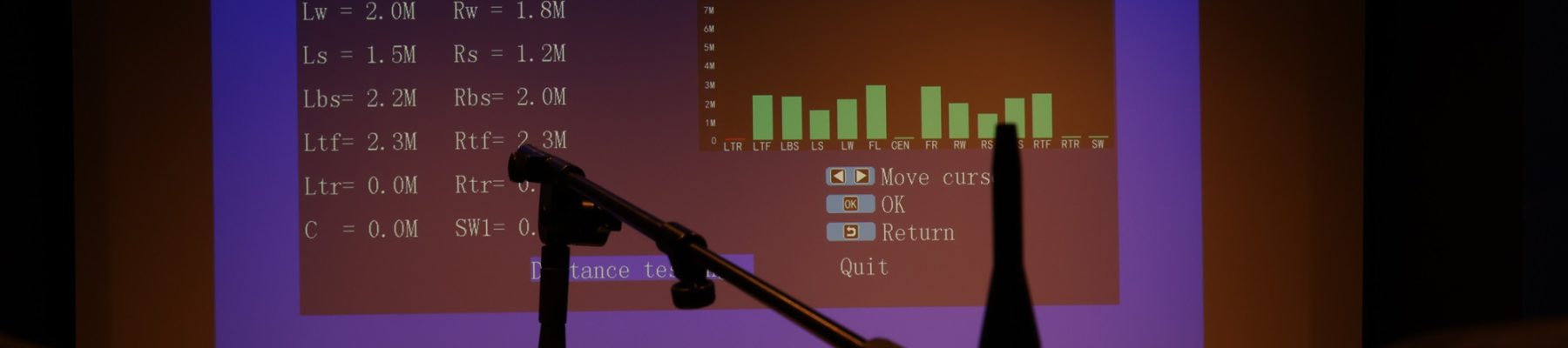
The UMIK-2 is of course fully compatible with REW (Room EQ Wizard) and Dirac Live (version 3 and later). Driverless operation with macOS, Linux, Android and iOS, and a supplied ASIO driver for Windows ensure simple integration into many other measurement and recording applications. With the UMIK-2, miniDSP once agains stretch the limits of affordable acoustic measurement gear. Let the measurement fun begin!
Product Downloads
- UMIK-2 Product datasheet
- UMIK-2 User Manual
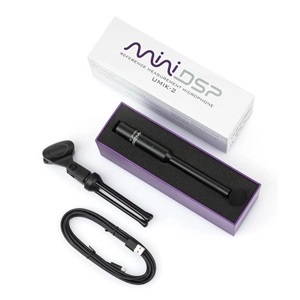
- Win Driver download link ( Please read manual for installation details)What’s in the box?1 x UMIK-2 microphone
1 x shielded USB type C cable (2m)
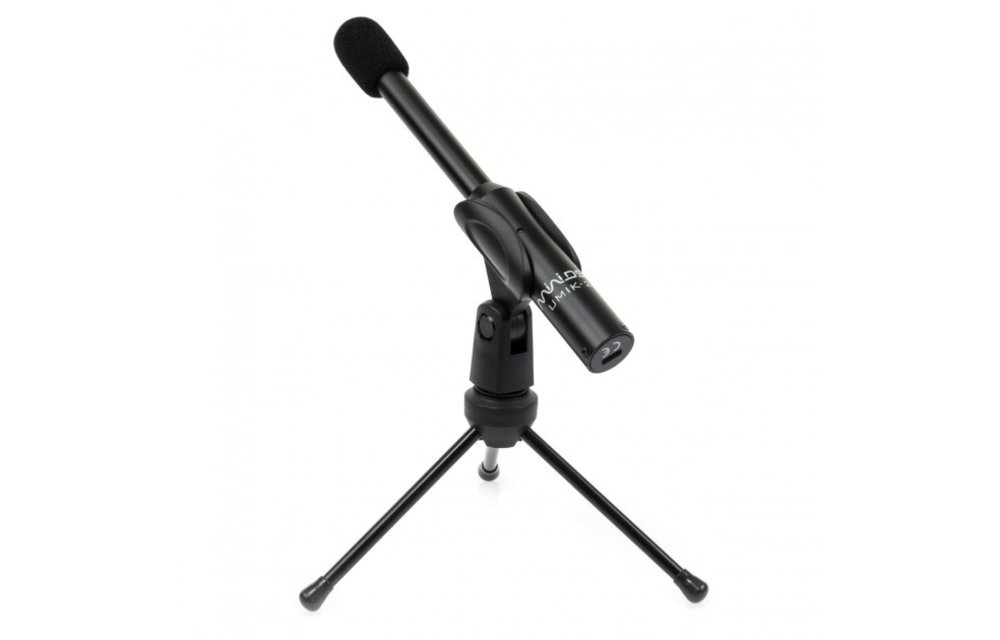
1 x mini Tripod + Mic Clamp
1 x wind screen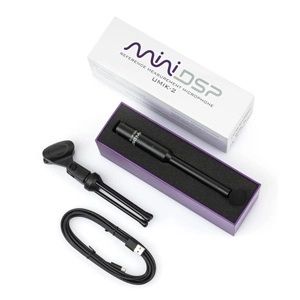 How to get started?miniDSP assembled some very comprehensive steps by steps for the UMIK-1 for all sorts of applications. Please make sure to start reading our application notes to be up and running in no time!Unique Calibration File DownloadAll UMIK-2 are calibrated with a unique calibration file. In addition, a unique auto-generated 90-degree calibration file. To download the calibration files, look for the 7 digit Serial Number found on the body of the microphone.Enter the serial number in the form on this link (three digits then four digits e.g. 810-XXXX).
Your calibration files will automatically download in most browsers. If not, click on the links provided to manually download.
Which calibration file should I use and where to point the UMIK-2?
We provide two calibration files to be used depending on your application.
– For stereo system (e.g. 2ch dirac live, single speaker measurement), use the 0deg file and point the UMIK-2 at the speakers.
– For multichannel system (E.g. 5.1/7.1) or a surround application where multiple speakers are spreadout around the room, use the 90deg file and point the UMIK-2 at the ceiling.Recommended by our Friends
The miniDSP team built long term relationships with the following leading software applications and is proud to showcase them as our recommeded software solutions.
REW: miniDSP once agains partners with John Mulcahy to develop even greater compatibility for the UMIK-2 inside REW! With the latest REW version (Beta , the UMIK-2 is automatically recognized by the software and prompted for use when REW is started with the microphone plugged in.

Dirac Live: Dirac Live (3.x and up) also supports plug&play integration with the UMIK-2 for best measurement accuracy.

Trade pricing is available. Please contact us for more information.