

















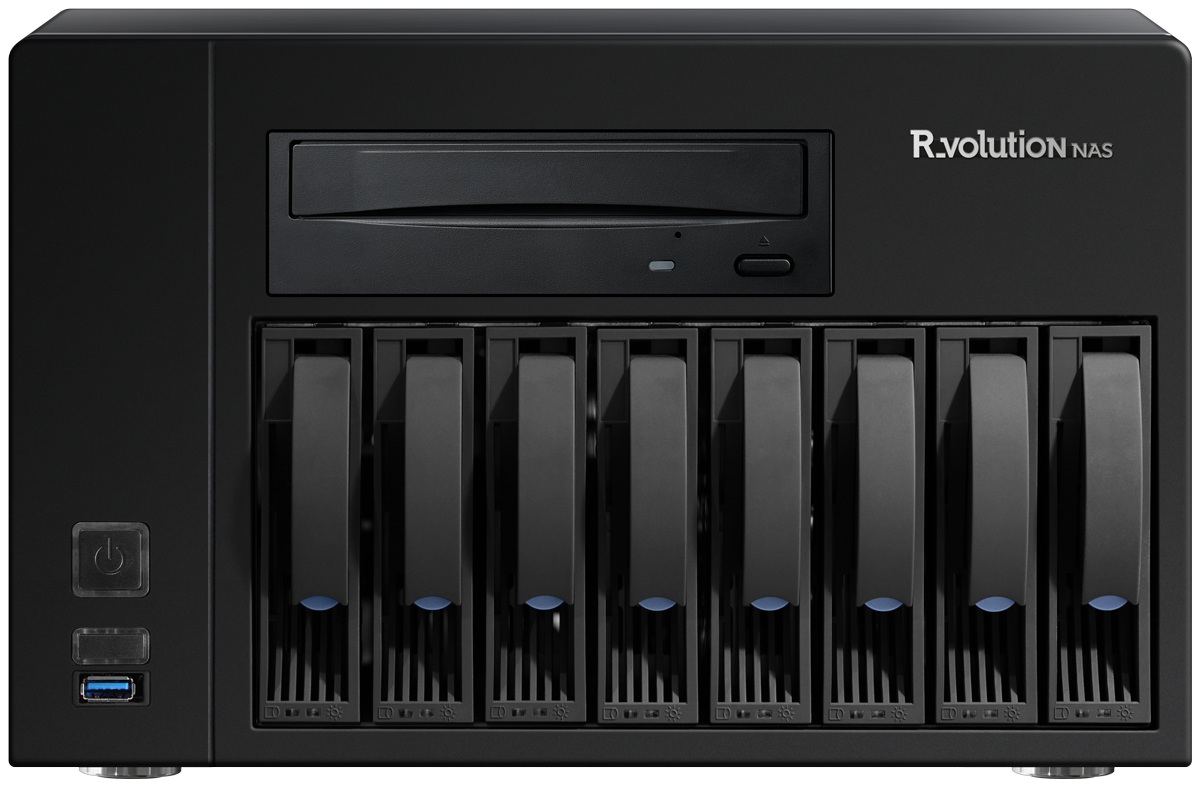

R_volution NAS
The R_volution NAS is totally plug and play. The only thing you toned to do, is create a R_volution account on your R_volution media player and enjoy it!
Contact us for more information.
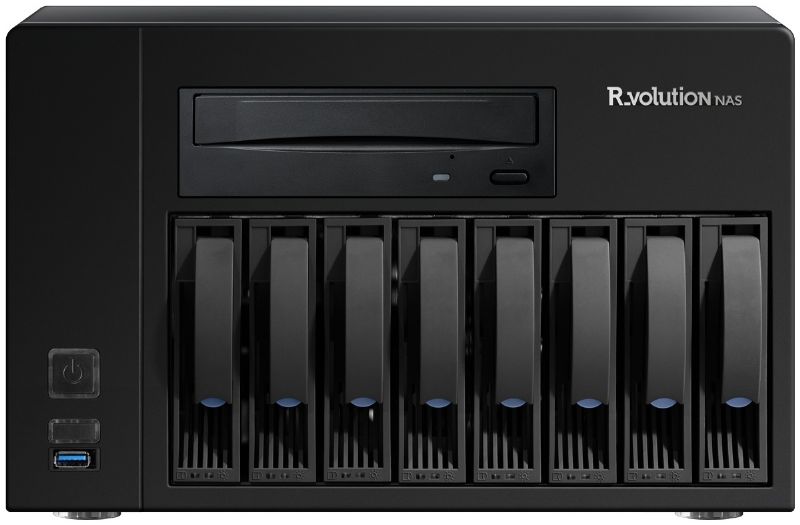
We have an Ex Demo Zappiti NAS RIP (upgraded to R_Volution software) – With optional 16TB storage if required. Please Contact us for more information.
Plug and Play Installation & Easy Access
● Plug and play network configuration: You just must connect your R_volution NAS to a to an electrical outlet and your local network. The R_volution NAS is plug and play. You even do not have to set any network configuration. Every R_volution media player connected to your local network will automatically detect the R_volution NAS.
● Easy access: Easily access the R_volution NAS from a computer connected to your local network and easy copy your personal content to the R_volution NAS using copy-past function. You can also manage the folders and files stored on your R_volution NAS using the R_volution media player remote control (copy, paste, cut, rename, delete …).
Lossless Audio Storage
● Add personal music files: Add your personal or downloaded music and organize them as you wish. Most audio formats are supported such as WAV, AIFF, ALAC, FLAC, MP3, OGG, AC3, DTS MPEG, AAC, LPCM, APE, M4A, VSELP, Ogg / Vorbis.
● Custom album covers: Edit or add custom images. For instance, you can add a picture of the background cover scanned from the CD box or to change the photo of the artist by another one downloaded from Internet. Warning! If all photo sizes are capable of displaying on the R_volution media player, we recommend to use square aspect ratio on up to 500×500 resolution for better compatibility and faster viewing (Sonos app accepts up to 1024×1024 and R_volution up to 3840×3840). Images that will be used as thumbnails for artists and albums must be named “folder.jpg”. Additional images such as the back of the album cover, photo of the CD box or the inside pages of a booklet can be renamed differently.
● Music slide show function: For live concerts, it is possible to display a music slide show. Just place the photos of the concert in the album folder and click on the first image. A beautiful musical slideshow with dynamic camera and fade effects will appear on your TV. To change the audio track during slideshow playback, please press the PAGE + / PAGE- buttons on the R_volution player remote control.
● Deleting and renaming: Delete or rename your folders and tracks using the remote control.
● Audio playback functions: Shuffle, folder playback, repeat title, repeat play list.
● Connected speakers and audio players: Audio files are generated in multiple formats; album covers and artist’s thumbnails are standardized to allow compatibility with most audio players and connected speakers on the market such as Sonos. In this way, the music files are accessible in multi-room and can be controlled using a tablet or a smartphone via applications dedicated to connected devices (for instance, the Sonos app). You can also play your audio files with a connected computer using your favorite audio software.
● ROON Server: The R_volution NAS offers optional full integration with the ROON Server; ROON is one of the favorite applications for audiophiles around the world. By its ability to collect and identify all local music files and music services in HD streaming. In addition, the R_volution NAS and its high-protection RAID storage system. It is the perfect place to store all your music files in GAPLESS and directly accessible via the ROON server.
